Broadsheet
A web app (and Chrome extension) for saving articles and reading them later — cleanly, without the clutter. A modern, open alternative to Pocket.
A quieter place to put the things worth reading.
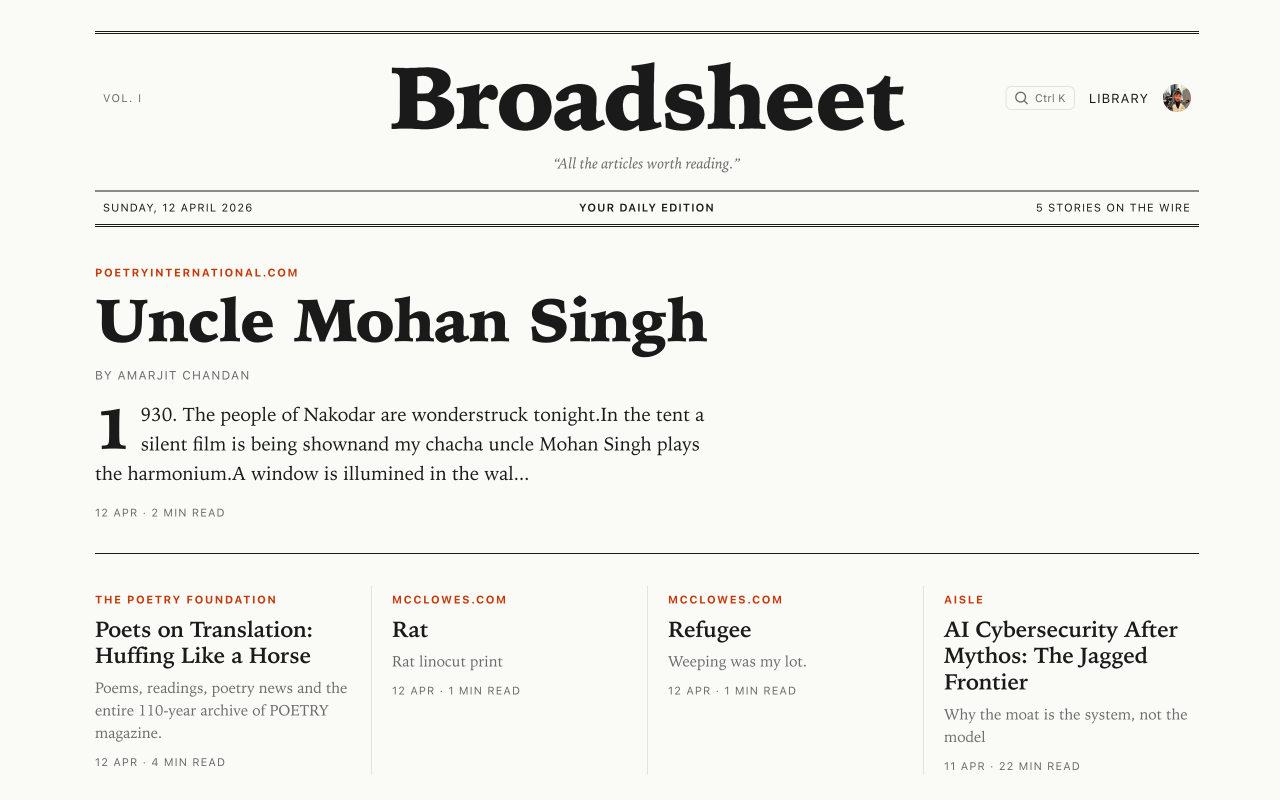
Broadsheet runs in your browser. Save articles from the Chrome extension or paste a URL into the web app — either way, they land in your personal library as clean, readable Markdown. No ads, no algorithmic feed.
Everything it does.
Browser extension
Install the Chrome extension and save any article with a single click — or press ⌘⇧S / Ctrl+Shift+S from any tab. No copy-pasting URLs.
Save from anywhere
Prefer the web? Paste a URL straight into the library. Extension and web app stay in sync — it is all one account.
Clean reading
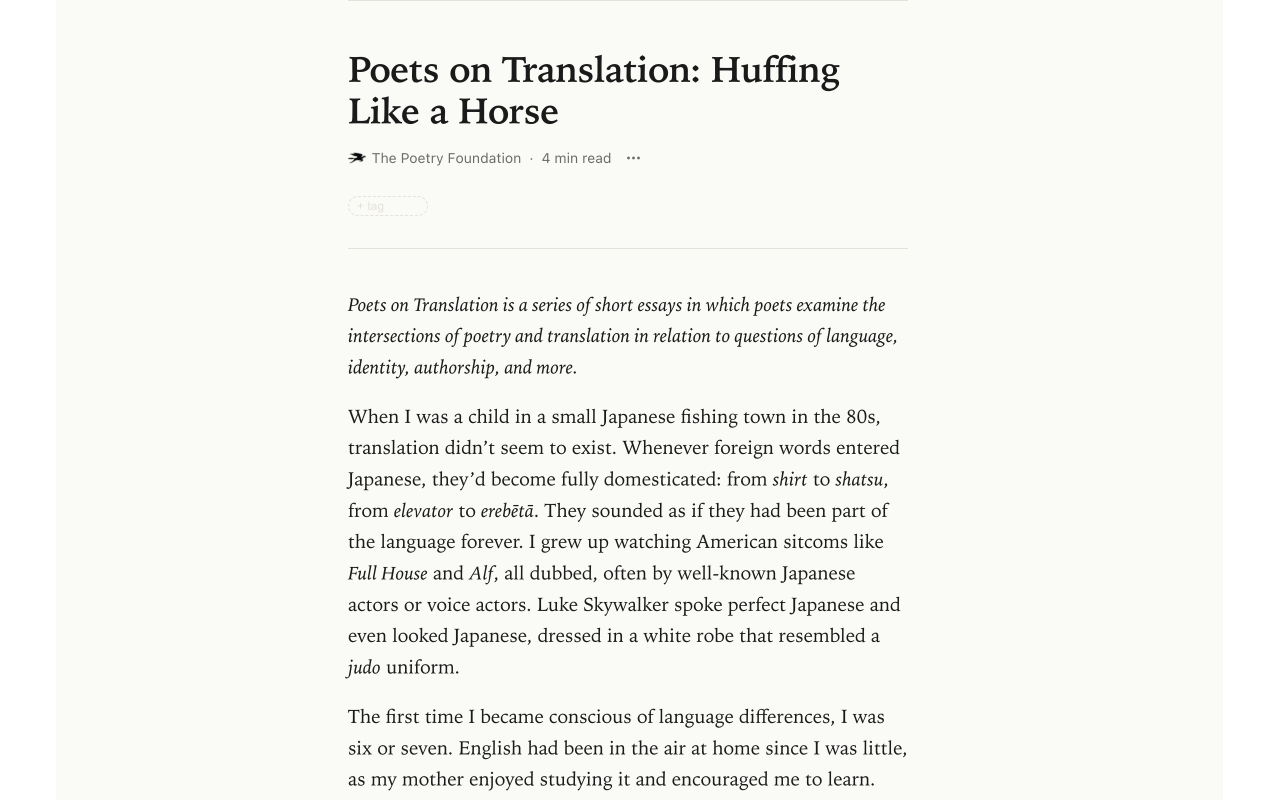
Articles are stripped of ads, nav bars, and clutter, then rendered in a distraction-free reader tuned for long reads.
Tags & filters
Organise your library with tags. Filter by tag, source, or read/unread/archived — find what you meant to get to.
Smart deduplication
Saving the same article twice won’t create duplicates. Your library stays tidy without manual housekeeping.
Estimated read time
See how long each article will take before you start. Pick something that fits the time you actually have.
Open & yours
Open-source, self-hostable, and free of ads and algorithmic feeds. Just your articles, under your control.
Free. Small. Native.
- platform
- Web app + Chrome extension
- status
- Pre-production MVP
- price
- Free & open source
- shortcut
- ⌘⇧S / Ctrl+Shift+S
Start reading.
Sign in to the web app, then install the Chrome extension for one-click saves from any tab. Broadsheet is in pre-production MVP — self-host or follow along on GitHub.